

Swapping a traditional deadbolt for a smart door lock sounds like a straightforward upgrade until you actually start comparing models. Between fingerprint sensors, keypad codes, app connectivity, and battery concerns, it’s easy to make a choice based on flashy features rather than what actually fits your household’s daily habits.
Homeowners and renters both have specific pitfalls to watch for, whether that’s compatibility issues with existing door hardware or underestimating how often a lock needs power. This article walks through the mistakes people commonly make when choosing a smart door lock, and what to check instead to end up with a system that actually makes daily life easier rather than more complicated.
Overlooking Door and Deadbolt Compatibility
One of the most frequent mistakes happens before the lock is even installed. Not every smart door lock fits every door, and skipping the compatibility check often leads to a return or an awkward installation with mismatched hardware. Door thickness, existing deadbolt type, and backset measurements all affect whether a given lock will fit cleanly.
This mistake shows up most often with renters, who may need a lock that fits without permanently altering the door or requiring landlord-level modifications. Checking these measurements and confirming compatibility with your specific door setup before purchasing saves a return shipment and a frustrating installation attempt.
Choosing Access Methods That Don’t Match Household Habits
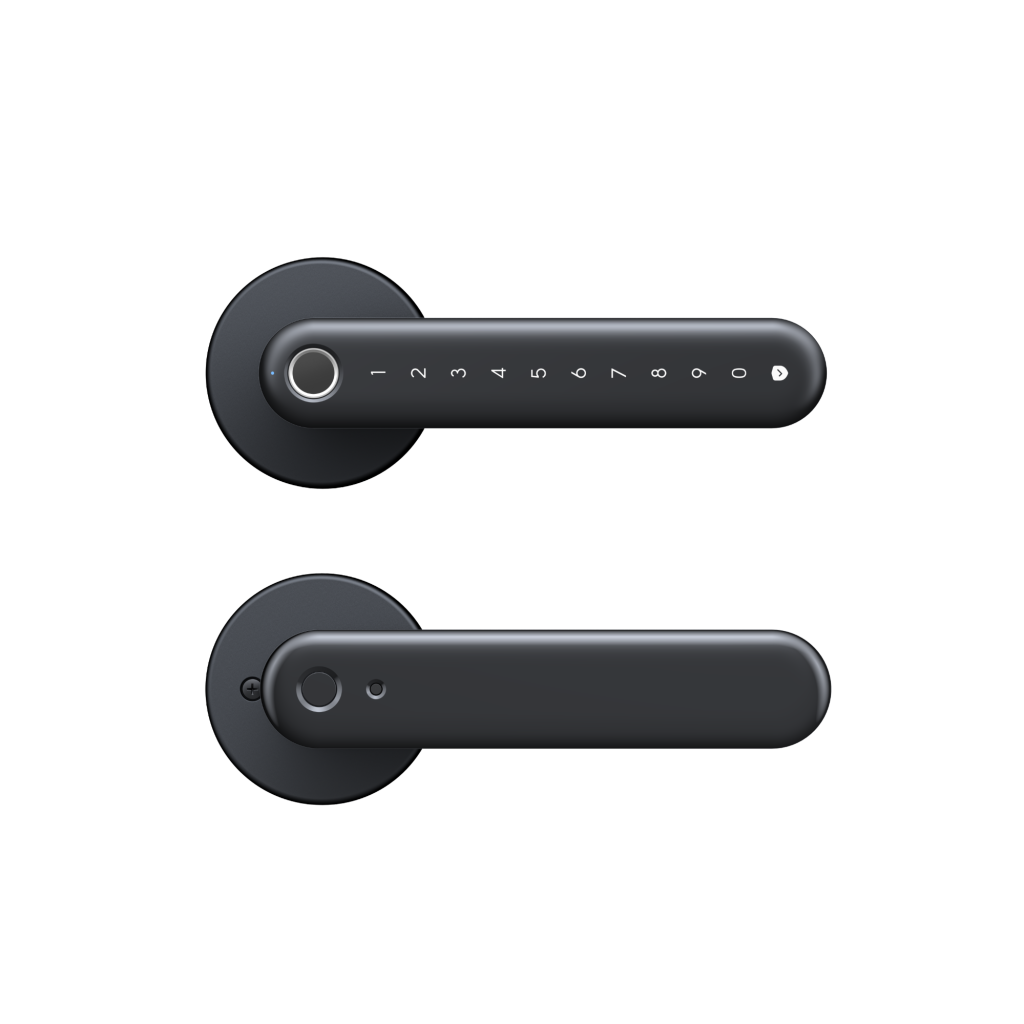
Smart door locks typically offer multiple access methods, including keypad codes, fingerprint recognition, smartphone app unlocking, and physical key backup. Picking a lock based purely on which method sounds most advanced, rather than which fits how your household actually enters the home, is a common source of daily frustration.
Families With Children
Households with kids who don’t yet carry a smartphone benefit most from keypad or fingerprint access, since those methods don’t rely on a device that a child might not have with them. A lock that only supports app-based unlocking can create real friction for a family, forcing kids to wait for a parent or requiring an extra key to be cut and distributed.
Setting individual access codes for each family member also makes it easier to track who’s coming and going, which is a small but genuinely useful benefit that pure key-based systems can’t offer.
Frequent Guests or Short-Term Renters
For homeowners who host guests regularly or manage a short-term rental property, temporary access codes are one of the most valuable features to prioritize. Being able to issue a code that expires automatically after a guest’s stay removes the hassle of physical key exchanges and eliminates the security risk of an old key still floating around after someone moves out.
Underestimating Battery and Backup Requirements
A smart door lock is still an electronic device, and batteries eventually run low no matter how efficient the model. Failing to plan for this reality is one of the more avoidable mistakes buyers make, often resulting in a stressful moment of being locked out with a dead lock and no backup plan.
Physical Key Backup
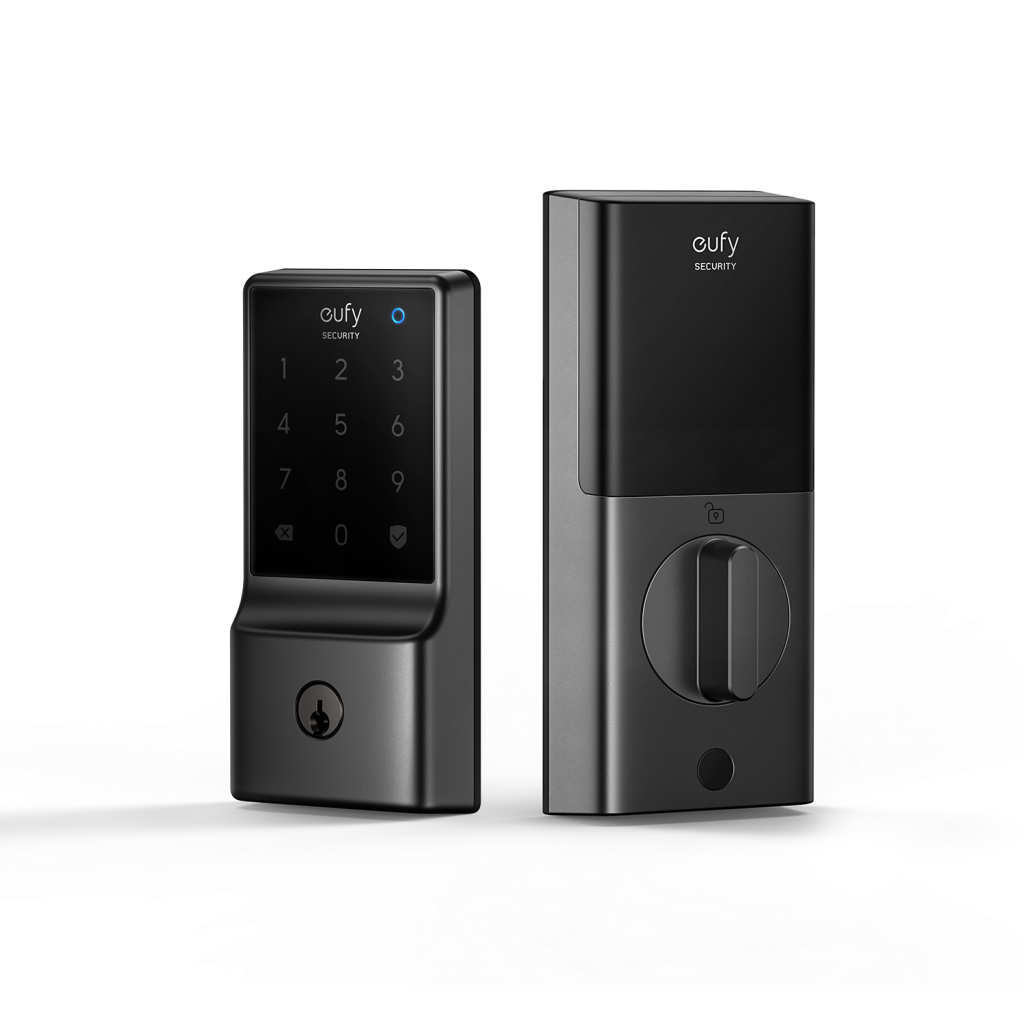
Even the most advanced smart lock should include a physical key override or an alternative unlocking method for emergencies. Skipping this feature to save money, or assuming a dead battery will never happen, leaves no fallback option when it inevitably does. Keeping a spare key accessible somewhere other than inside the locked home is a simple habit that prevents a minor battery issue from becoming a real problem.
Low Battery Alerts
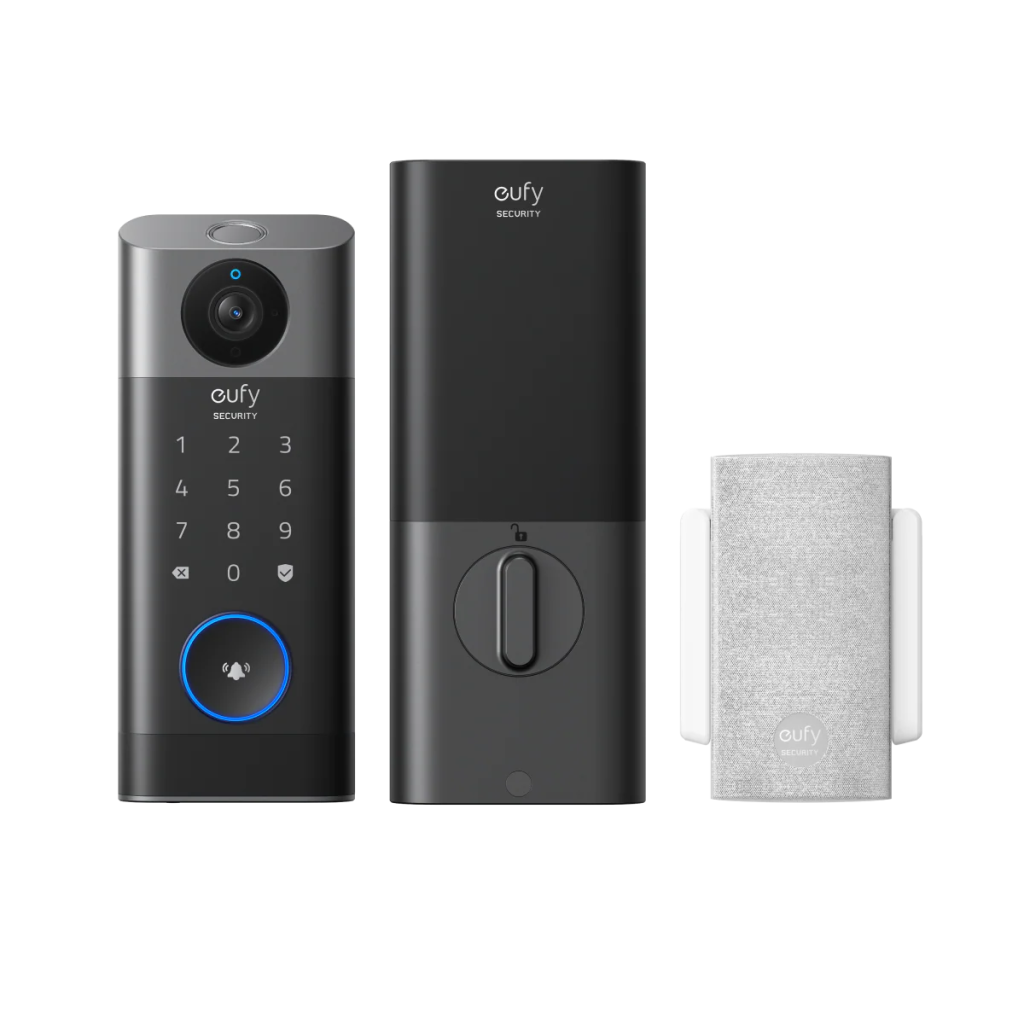
Locks that send a notification through a connected app or smart home hub, such as a eufy Homebase, well before the battery is fully depleted give homeowners enough lead time to swap batteries on their own schedule rather than reacting to a lockout. This kind of proactive alert is a detail worth checking during research, since not every model handles it the same way.
Ignoring Weather Resistance and Connectivity Range
Front doors face direct exposure to rain, sun, and temperature swings depending on climate and orientation. Choosing a lock without checking its weatherproofing rating can lead to premature wear, sticking mechanisms, or connectivity issues over time, particularly in regions with harsh seasonal weather.
Connectivity range matters too, especially for homes where the door is far from a Wi-Fi router or smart home hub. A lock that frequently drops connection makes remote features like app unlocking or activity notifications unreliable exactly when they’d be most useful. Testing signal strength near the intended installation spot, or opting for a lock with Bluetooth as a local backup, helps avoid this kind of ongoing frustration.
Setting Yourself Up for a Smooth Smart Lock Experience
Choosing a smart door lock works best when the decision starts with your household’s actual habits rather than a features checklist. Confirming door compatibility, matching access methods to who’s actually using the door, and planning for battery backup and weather exposure all prevent the most common regrets buyers run into after installation.
A little upfront research turns what could be a frustrating swap into an upgrade that genuinely simplifies daily life, whether that means handing out temporary codes to guests or letting kids in without needing a spare key. Taking these details seriously from the start is what separates a smart lock that gets used every day from one that ends up disabled after a few weeks of hassle.
